Create a profile
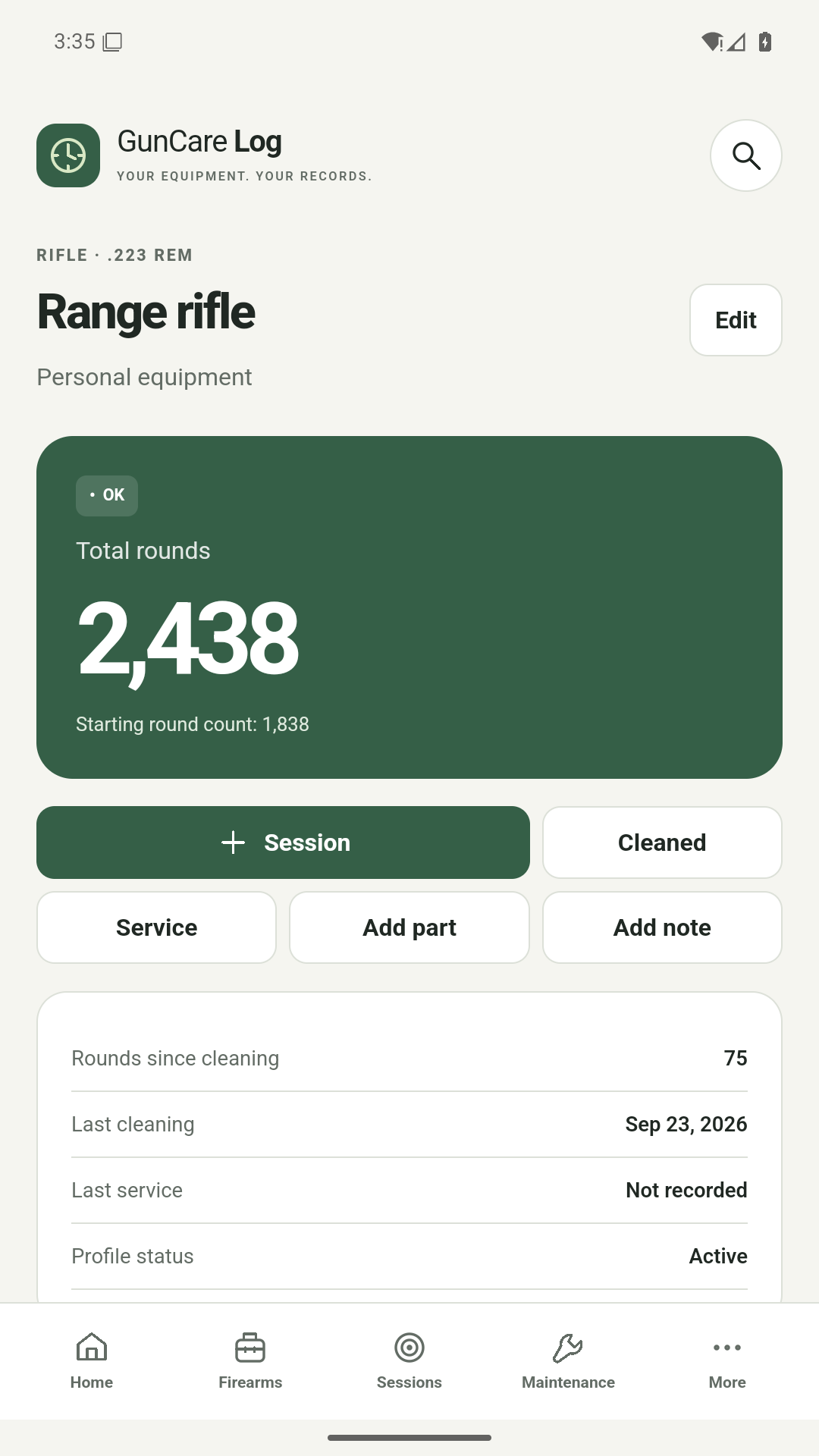
Add a name and a starting round count. A serial number is optional.
 GunCare Log
YOUR EQUIPMENT. YOUR RECORDS.
How many rounds since the last clean? When was that part replaced? Record sessions and maintenance, and find the answers in one place.
01 / GUNCARE LOG
Add a name and a starting round count. A serial number is optional.
Choose the firearm, date and rounds fired. Add ammunition details when you need them.
Record cleaning, service and part replacements. Set reminders around your own schedule.
02 / FEATURES
One clear view instead of scattered notes.
Total rounds, session history and rounds since cleaning. Correcting a record updates related calculations.
Dates, work recorded, notes and parts with their own round counts and replacement history.
Intervals based on time or rounds fired. You choose the schedule using your equipment manufacturer’s guidance.
Local backups, CSV exports and PDF profile reports. You choose what to export and where to share it.
Expenses grouped by currency, notes, and selected photos or documents attached to your records.
30 language and regional packages selected automatically from Android settings. Light and dark themes.
03 / PRIVACY
Profiles, notes and documents are stored locally. Recordkeeping needs no account or application server. You decide when to export or share.
Read the privacy policy04 / FAQ
Yes. Records, calculations, backups and reports work locally. Advertising, Google Play updates and reviews, and external websites need a connection.
No. GunCare records history and reminds you about your own schedule. Follow the equipment manufacturer’s guidance; the app does not assess equipment safety.
Create a full backup in the app and save it in a location you choose. Restore that file on the new device. Full backups are not encrypted and can contain private fields and attachments.
No. It is optional and hidden in normal views by default. PDF reports leave out serial numbers and notes unless you include them.
05 / CONTACT
For app support, a problem report or privacy questions, contact the publisher.
albertmoczadlo@gmail.comWhen describing a problem, leave out serial numbers and full log backups unless they are needed.